Aktiv’s QuickBooks Online to Odoo Connector does more than transferring customers, invoices and a chart of accounts. It also syncs years of vendor bills, expenses, deposits, journal entries, credit memos, tax transactions and supporting documents.
An ordinary QuickBooks–Odoo integration may be designed to keep two accounting environments connected. A complete accounting migration has a different objective: establish Odoo as the new accounting system while preserving the historical information the business needs.
This guide explains how QuickBooks and Odoo can be connected, what accounting data can be migrated, how the migration process works, what makes Aktiv’s approach different, and what businesses should verify before discontinuing QuickBooks.
Can QuickBooks Online Be Connected to Odoo?
Yes. QuickBooks Online can be connected to Odoo through an API-based connector that transfers supported accounting and business records between the two platforms.
However, the purpose of that connection matters.
Some businesses use Odoo to manage inventory, manufacturing, sales and purchasing while continuing to use QuickBooks Online for accounting.
Others want to replace QuickBooks entirely and manage their financial operations inside Odoo.
These situations require different approaches.
| Business requirement | Appropriate approach |
|---|---|
| Continue using QuickBooks for accounting while operating other processes in Odoo | Ongoing synchronization |
| Maintain selected records in both systems | One-way or two-way integration, depending on requirements |
| Replace QuickBooks with Odoo Accounting | Accounting migration |
| Retain detailed historical transactions inside Odoo | Historical transaction migration |
| Transfer only opening balances and outstanding invoices | Cutover-balance migration |
This distinction is important because connecting two applications does not automatically mean that a business can discontinue either one.
For example, synchronizing new invoices between QuickBooks and Odoo does not necessarily transfer several years of historical expenses, deposits, journals and supporting attachments.
A company planning to retire QuickBooks must understand exactly what will remain accessible after migration.
What Does QuickBooks Online to Odoo Connector Do?
Aktiv’s QuickBooks Online to Odoo Connector is a data migration solution designed to import supported QuickBooks Online master data, historical transactions and attachments into Odoo.
The connector combines three important capabilities:
- Data migration: Transfers supported accounting information from QuickBooks Online into Odoo.
- Accounting-specific configuration: Provides controls for document numbers, account mapping, tax treatment, posting behavior and other migration rules.
- Migration monitoring: Allows teams to run selected imports, review synchronization history, investigate errors and repeat affected operations.
The connector uses Intuit’s QuickBooks Online APIs and OAuth 2.0 authorization.
Once connected, users can initiate data imports from within Odoo. The migration dashboard offers both a master synchronization process and more targeted operations for selected records or transaction periods.
The data flows in one direction:
QuickBooks Online → Intuit API and OAuth 2.0 → Aktiv Connector → Odoo
Changes made inside Odoo are not pushed back into QuickBooks by this connector.
This is an intentional design decision. The primary objective is to move accounting information into Odoo, rather than establish two permanent accounting systems that must continuously exchange updates.
What QuickBooks Online Data Can Be Migrated to Odoo?
One of the distinguishing aspects of Aktiv’s connector is its coverage of 21 import modules, organised around accounting dependencies.
Instead of focusing only on common records such as customers, products and invoices, the migration workflow includes additional purchasing, banking and general-ledger transactions.
Which master records are supported?
| Category | QuickBooks data |
|---|---|
| Accounting foundations | Chart of accounts |
| Tax configuration | Taxes and tax groups |
| Payment configuration | Payment terms |
| Business contacts | Customers and vendors |
| Employee records | Employees |
| Product catalogue | Products and items |
These records provide the foundation for transactional migration.
For example, the relevant account must exist in Odoo before a journal entry can reference it. Customers and vendors need to be mapped before their invoices or bills are imported.
Which sales and purchase transactions are supported?
| Category | QuickBooks data |
|---|---|
| Inventory | Inventory adjustments |
| Sales quotations | Estimates, mapped into Odoo’s sales-order workflow |
| Customer billing | Invoices |
| Direct sales | Sales receipts |
| Customer credits | Credit memos |
| Customer refunds | Refund receipts |
| Purchasing | Purchase orders |
| Supplier billing | Vendor bills |
Migrating these records helps retain transaction-level information that might otherwise remain only in the legacy accounting platform.
Which banking and general-ledger records are supported?
| Category | QuickBooks data |
|---|---|
| Operating expenditures | Expenses |
| Banking activity | Deposits |
| Internal movements | Transfers |
| Card-related transactions | Credit card payments |
| Tax-related payments | Sales tax payments |
| General ledger | Journal entries |
These transaction categories deserve particular attention during an accounting migration.
A business may successfully import all its customer invoices and vendor bills while still having financial differences because expenses, deposits, transfers or journal entries were not considered.
A complete reconciliation requires the relevant accounting activity to be represented correctly, including the relationships and postings that affect financial balances.
Important: The 21 modules represent the connector’s supported import categories, not a guarantee that every QuickBooks record type, reconciliation status or transaction relationship is available through Intuit’s APIs. Each migration requires validation.
Can QuickBooks invoice and bill attachments also be moved to Odoo?
Yes. Aktiv’s QuicBooks Online to Odoo Connector includes a separate process for retrieving supported attachments associated with bills, invoices, estimates and purchase orders.
Attachments are particularly important when historical financial records contain supporting documents needed for internal review, supplier disputes or compliance requirements.
Rather than including attachments in the main import operation, Aktiv processes them separately using background jobs organised into monthly batches.
This separation supports recovery if an attachment-import operation is interrupted.
The result is a more manageable migration process for businesses with substantial supporting documentation.
How Does QuickBooks Online to Odoo Connector Work?
Step 1: How do you create the Intuit Developer application?
The process starts in the Intuit Developer Portal.
An Intuit Developer application is configured to access the required QuickBooks Online accounting information.
The setup involves selecting the appropriate accounting permissions, configuring an authorized redirect URI and obtaining the application’s Client ID and Client Secret.
The redirect URI configured in Intuit must match the URI supplied by the Odoo connector.
For a live QuickBooks company, production credentials and any applicable Intuit app assessment requirements must be completed.
Step 2: How do you connect QuickBooks Online with Odoo?
Once the Intuit application is configured, the connection details are entered in Aktiv’s Odoo module.
The authorized QuickBooks administrator signs in through Intuit’s OAuth 2.0 authorization process and approves the connection.
The module includes connection-status information and a test-connection function to help verify that the correct QuickBooks company has been connected.
Sandbox and production configurations are handled separately.
For security, credentials and tokens should be managed through approved administrative processes rather than shared through email or support tickets.
Step 3: How do you configure accounting migration rules?
Before importing historical transactions, the business must decide how QuickBooks records will be represented in Odoo.
Aktiv’s connector includes several configuration controls.
Document-number continuity
The module can use original QuickBooks estimate and invoice numbers when creating the corresponding Odoo records.
This helps users trace migrated transactions back to their historical references.
Accounting posting rules
The connector can be configured to automatically post imported bills, journals and refunds rather than leaving them in draft.
These settings should be agreed with the client’s accountant before migration.
Receivable and tax account mapping
Specific receivable, sales-tax and purchase-tax accounts can be configured so records are posted to the intended Odoo accounts.
Cost of goods sold treatment
The module provides an option to inject cost-of-goods-sold information during historical invoice import.
This needs to be reconciled carefully against inventory valuation and any existing accounting entries to avoid duplicate or incorrect postings.
Custom field mapping
Client-specific references can also be mapped.
For example, an existing QuickBooks purchase-order field may carry a customer job number that the business wants to retain in Odoo.
Quantity rounding
Configurable rounding rules help address cases where differences in decimal precision could otherwise change transaction line totals.
These controls matter because a successful accounting migration must preserve more than visible document records. It must also produce the intended accounting results.
Step 4: How do you import the data into Odoo?
The connector provides a centralized synchronization dashboard.
Users can select the modules to import or initiate a master synchronization using the configured categories.
The connector follows a defined dependency order, loading foundational records before dependent transactions.
For larger accounting histories, users can also specify transaction date ranges.
This makes it possible to import several years of data in manageable periods.
An important distinction is that date filters apply to transactional imports. Core master data, such as accounts, taxes, terms, contacts and products is loaded in full.
Step 5: How are migration errors identified and corrected?
The connector maintains synchronization history.
Migration teams can review individual runs, imported record counts, durations and reported errors.
It also supports retrieving specific invoices, bills or attachments by their QuickBooks record ID.
This is useful when a particular transaction requires correction without repeating an entire historical import.
What Is the Difference Between QuickBooks–Odoo Integration and QuickBooks-to-Odoo Migration?
When QuickBooks and Odoo are synchronized
In an ongoing integration, both platforms remain operational.
A business might create sales orders in Odoo and send corresponding invoices to QuickBooks. Depending on the connector, customer records, products, payments and other information may move in one or both directions.
This is useful when accounting teams prefer to continue using QuickBooks while operational teams work in Odoo.
However, the business must maintain the integration, manage synchronization errors and continue supporting both applications.
QuickBooks Data is migrated to Odoo
In a migration, QuickBooks becomes the source of historical accounting information, while Odoo becomes the target accounting system.
A controlled migration typically involves:
- Transferring the required master data and historical transactions.
- Mapping QuickBooks accounting structures to Odoo.
- Validating financial balances and transaction relationships.
- Completing a final transfer of any changes made before cutover.
- Moving day-to-day accounting operations into Odoo.
- Retaining appropriate historical records and retiring QuickBooks when safe.
Unlike ongoing synchronization, a migration does not require QuickBooks to remain the permanent accounting system.
This migration-first philosophy is the foundation of Aktiv Software’s connector.
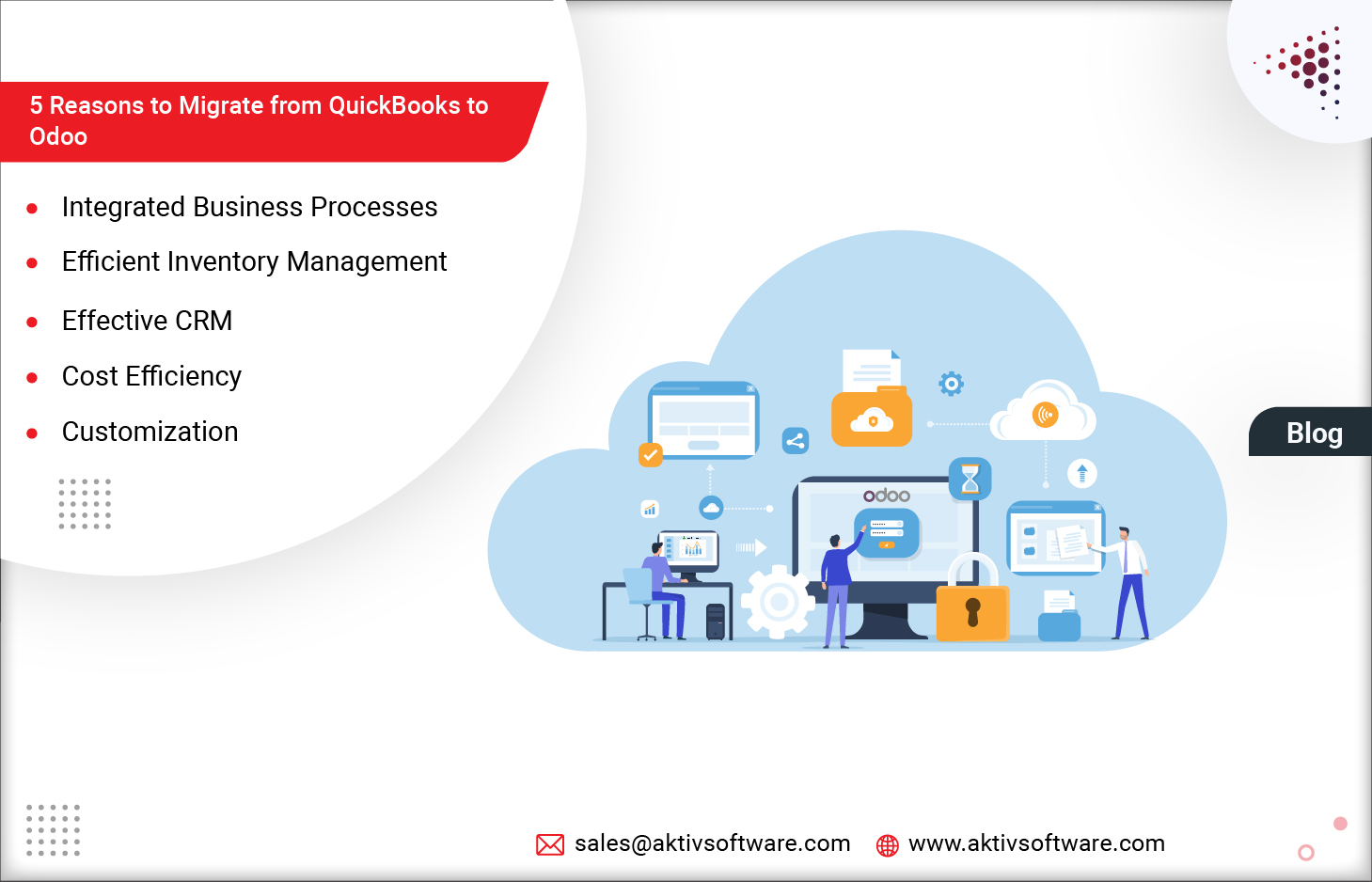
How Do You Migrate QuickBooks Accounting History to Odoo Without Losing Important Records?
Moving multiple years of financial information requires more than executing an import button. A dependable migration should follow a sequence that protects accounting continuity and allows the business to verify the results.
- Assess the current QuickBooks accounting database
- Rehearse the process in a test environment
- Import foundational master data
- Import historical transactions in controlled periods
- Migrate supporting attachments
- Reconcile the migrated accounting records
- Complete cutover and retire QuickBooks when appropriate
What Makes Aktiv’s QuickBooks to Odoo Connector Different From Other Connectors?
The main difference is the migration objective: Aktiv’s connector is designed to support the transition away from QuickBooks Online, rather than primarily maintain an ongoing relationship between two active systems.
1. A migration-first design instead of permanent two-way synchronization
Many QuickBooks–Odoo connector products focus on keeping accounting and operational records synchronized.
That can be the right approach for businesses intending to use both platforms.
Aktiv takes a different approach.
The connector transfers data from QuickBooks into Odoo without pushing changes back.
For businesses planning to adopt Odoo Accounting as their primary system, this provides a migration path without making permanent dual-system synchronization the central requirement.
2. Broad coverage of historical accounting transactions
Aktiv’s 21 import modules cover master records, sales and purchases, banking-related transactions and general-ledger activity.
The inclusion of expenses, deposits, transfers, sales-tax payments and journal entries is particularly relevant for businesses attempting to reconstruct historical accounting activity inside Odoo.
The differentiator is not simply the number of supported modules. It is their organisation around the needs of an accounting migration.
3. Accounting-specific controls for preserving historical consistency
The connector provides configurable handling for original document numbers, posting behavior, receivable accounts, taxes, custom references, COGS and quantity rounding.
These details can have a significant effect on whether imported transactions remain usable for accounting review.
For example, retaining a QuickBooks invoice reference helps an accountant locate a historical customer transaction without searching through a completely different numbering system.
Similarly, mapping client-specific job numbers can preserve references that employees rely on to connect financial transactions to operational work.
4. Dependency-aware migration sequencing
A historical migration is not simply a collection of unrelated imports.
Accounts, taxes, contacts and products must be available before many of the transactions that reference them.
Aktiv’s master synchronization follows a defined accounting-safe order.
The aim is to reduce preventable errors caused by importing dependent transactions before their related records.
5. Controlled historical imports and targeted recovery
The connector supports date-range imports and synchronization by individual QuickBooks IDs.
This helps migration teams divide large histories into manageable periods and investigate specific failures.
Rather than treating migration as a single irreversible event, the workflow supports review, correction and rerunning selected records or modules.
6. Dedicated attachment migration
Supporting documents are processed through a separate background operation.
This allows teams to handle attachment volumes independently from the core transaction import.
It also creates a clearer distinction between financial-record completeness and document completeness.
7. Migration logs and financial validation
The connector records import activity, allowing teams to inspect errors, durations and processed record counts.
This operational visibility supports the broader validation process.
However, import logs alone do not prove financial accuracy. They must be combined with accounting reconciliation and formal sign-off.
| Evaluation criterion | Other QuickBooks Online to Odoo Connector | Aktiv’s QuickBooks Online to Odoo Connector |
|---|---|---|
| Primary objective | Keep selected records aligned across both applications | Move supported QuickBooks history into Odoo |
| Intended long-term setup | Both platforms may remain active | Odoo becomes the target accounting system |
| Data direction | May support one-way or two-way exchange | QuickBooks Online to Odoo only |
| Historical migration | Depends on the product and implementation scope | Core design priority |
| Accounting configuration | Varies by connector | Includes document, tax, receivable, COGS and rounding controls |
| Data recovery | Varies by connector | Date-range imports and individual-record retrieval |
| QuickBooks retirement | Requires a separate migration and retention assessment | Explicit objective of the migration process |
Should You Migrate the Entire QuickBooks History or Only Opening Balances Into Odoo?
A common accounting migration approach is to import an opening trial balance, unpaid customer invoices, outstanding vendor bills and other necessary opening records.
Historical details remain in exported reports or a separate archive.
This is generally simpler than recreating every historical transaction.
A detailed historical migration takes a different approach.
It attempts to preserve the supported transactions within Odoo, potentially making historical reporting and transaction lookup more convenient after cutover.
| Consideration | Opening-balance migration | Detailed historical migration |
|---|---|---|
| Historical detail inside Odoo | Limited | Greater, subject to supported records |
| Migration complexity | Generally lower | Generally higher |
| Reconciliation requirements | Cutover balances and open items | Historical periods and detailed postings |
| Legacy archives | Usually essential | Still essential for unsupported data |
| Best suited for | Businesses that primarily need a clean accounting start | Businesses requiring detailed historical access inside Odoo |
Want to connect your QuickBooks Online to Odoo?
Frequently Asked Questions About QuickBooks Online to Odoo Migration
Can I migrate QuickBooks Online to Odoo with five or ten years of accounting history?
Potentially, yes. Historical transactions can be imported across selected periods when the required data is available through the supported APIs and the connector covers the relevant record types. The required scope and accuracy must be verified through reconciliation.
Can I migrate QuickBooks invoices and vendor bills to Odoo?
Yes. Aktiv’s connector includes customer invoices and vendor bills among its supported import modules. Tax mapping, accounts, document references, payment relationships and posting results should be validated.
How do I transfer QuickBooks expenses and journal entries into Odoo?
Aktiv’s connector includes modules for expenses and journal entries. These should be imported after the necessary accounting foundations are established. Errors and resulting ledger balances must be reviewed before sign-off.
Can I preserve the original QuickBooks invoice numbers in Odoo?
Aktiv’s connector includes a configuration option for retaining QuickBooks invoice numbers as Odoo customer invoice numbers. The mapping must also account for duplicate numbers and Odoo’s document-sequencing requirements.
Does the connector support QuickBooks Desktop?
No. The current Aktiv connector is designed for QuickBooks Online, not QuickBooks Desktop.
QuickBooks Desktop migration requires a separate extraction and migration assessment.
How can I check whether QuickBooks and Odoo balances match after migration?
Compare relevant trial balances, customer receivables, supplier payables, bank balances, tax balances and historical financial reports for the same periods. Investigate discrepancies in account mapping, transaction dates, credits, postings, duplicate records and opening balances.
Is QuickBooks to Odoo migration the same as migrating an Odoo database to a newer version?
No. QuickBooks to Odoo migration involves transferring and mapping accounting records between different applications. An Odoo version upgrade involves moving an existing Odoo database and its related configurations to a newer Odoo version. These are different technical and functional projects.