We all know the staggering business repercussions of relying on an outdated, legacy system versus a modern, cloud-based ERP. Sticking with legacy infrastructure means missing out on the high-performance capabilities, scalability, and efficiency of a next-gen, cloud-native ERP like Odoo. Investing in a structured odoo data migration strategy provides an undeniable competitive advantage, ensuring your enterprise leverages the latest automation, robust security, and advanced features.
Furthermore, if you are an established Odoo user running older iterations, you are likely aware of official support policies: Odoo typically provides dedicated support only for recent major releases. Running an unsupported or aging version inevitably leads to performance bottlenecks, sluggish response times, and increased vulnerability. Transitioning to modern versions—such as the cutting-edge Odoo 20—unlocks lightning-fast processing speeds, an interactive UI, enhanced compliance protocols, an expanded app ecosystem, and streamlined accounting modules that drive unmatched cost-efficiency.
Migrating your ERP ecosystem to Odoo 20 delivers greater business agility, elevated customer service experiences, and a future-proof, user-friendly platform. While the upfront investment in data cleanup and migration planning can feel daunting, the long-term ROI, reduced operational overhead, and efficiency gains far outweigh initial costs.
To achieve a seamless transition, partnering with an experienced, certified Odoo partner is critical. As an official Odoo Silver Partner, we break down Aktiv’s proven, end-to-end Odoo migration methodology below.
The Modern Odoo Migration Landscape: Key Metrics & Insights
Before diving into the migration steps, it helps to understand why businesses are prioritizing modern upgrades like Odoo 20:
-
Performance & Speed: Upgrading to Odoo 20 delivers up to 30–50% faster database query execution and improved server response times compared to legacy versions (like Odoo 14 or older).
-
Reduced Customization Debt: With Odoo 20’s expanding native feature set, businesses can retire up to 20% of redundant custom modules, reducing long-term maintenance costs and upgrade friction.
-
Mobile-First Experience: Enhanced PWA (Progressive Web App) architecture in modern Odoo versions improves field-user productivity by 40% through optimized offline and mobile workflows.
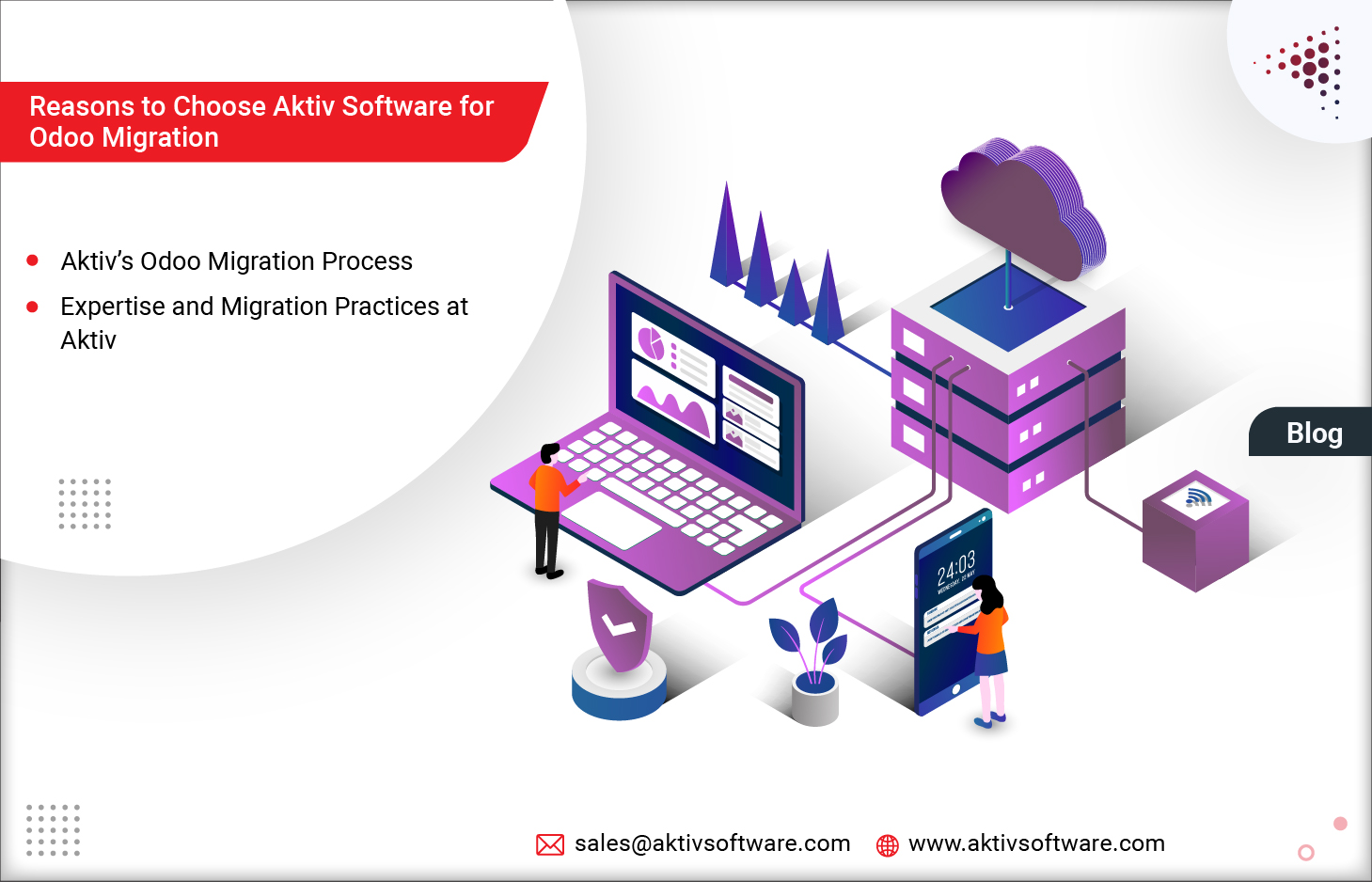
Aktiv’s Odoo Migration Process
1. System Audit and Assessment
We begin by thoroughly auditing your current operating environment and legacy ERP infrastructure. We evaluate data volume requirements for the newer version, collaborate with your department heads to review existing workflows, and identify any legacy studio customizations or custom modules that need a transition plan.
2. Migration Estimation
Accurate estimation guarantees that your migration project finishes on time, stays strictly within budget, and meets enterprise-grade quality standards. This phase maps out exact modules, critical business data, and workflows. We evaluate custom reports, third-party integrations, and app dependencies to ensure seamless compatibility with Odoo 20 through our specialized odoo migration services.
3. Pre-Migration Checklist
Next, we execute a customized pre-migration checklist tailored to your specific business architecture. This includes cataloging all active integrations, verifying full system data backups, and running comprehensive compatibility checks. We then configure a secure test environment to perform a Mock Migration, validating that all data structures and scripts execute precisely as expected. We also help coordinate user communication schedules to manage planned system downtime effectively, followed by rigorous quality assurance and user feedback loops.
4. System Configuration
We inspect and tune your foundational system configurations—including Operating Systems, servers, DBMS parameters, user permissions and access control lists, company properties, PDF report layouts, and email templates—to ensure 100% compatibility with Odoo 20. Checking existing add-ons and custom code prior to launch eliminates runtime errors and ensures a friction-free go-live.
5. Migration Implementation
After selecting the optimal migration path—whether an Automated Open Upgrade or a tailored Manual Script—and reviewing the results of our mock test, we schedule the final deployment. Factoring in client feedback from the testing phase, we execute the Go-Live alongside rigorous real-time production database testing and comprehensive QA validation.
Looking for expert assistance? Check out our extensive professional odoo migration services tailored for global enterprises.
Why Choose Aktiv for Odoo Data Migration?
-
Official Odoo Silver Partner: Aktiv Software brings years of specialized domain expertise across industries. Having successfully completed over 50+ dedicated migration projects, our certified professionals excel in complex data migration, module adaptation, legacy system transitions, and major version upgrades.
-
Enterprise-Grade Security and Data Privacy: We adhere to stringent international data security and privacy protocols. Your sensitive business data remains protected throughout the pipeline, backed by encrypted transfers and redundant backup strategies to eliminate any risk of data loss.
-
Cost-Effective Solutions: We recognize that ROI is paramount for growing businesses. Our scalable pricing frameworks and budget-aligned Odoo migration solutions ensure high value without unexpected expenditures.
-
Minimal Downtime & Rapid Delivery: System downtime directly impacts your bottom line. Our streamlined project management and meticulous pre-migration testing allow us to execute transitions rapidly, keeping your business operations running smoothly.
Ready to future-proof your enterprise operations? Get in touch with us today to migrate to Odoo 20.