How do you integrate SAP Crystal Reports with Odoo?
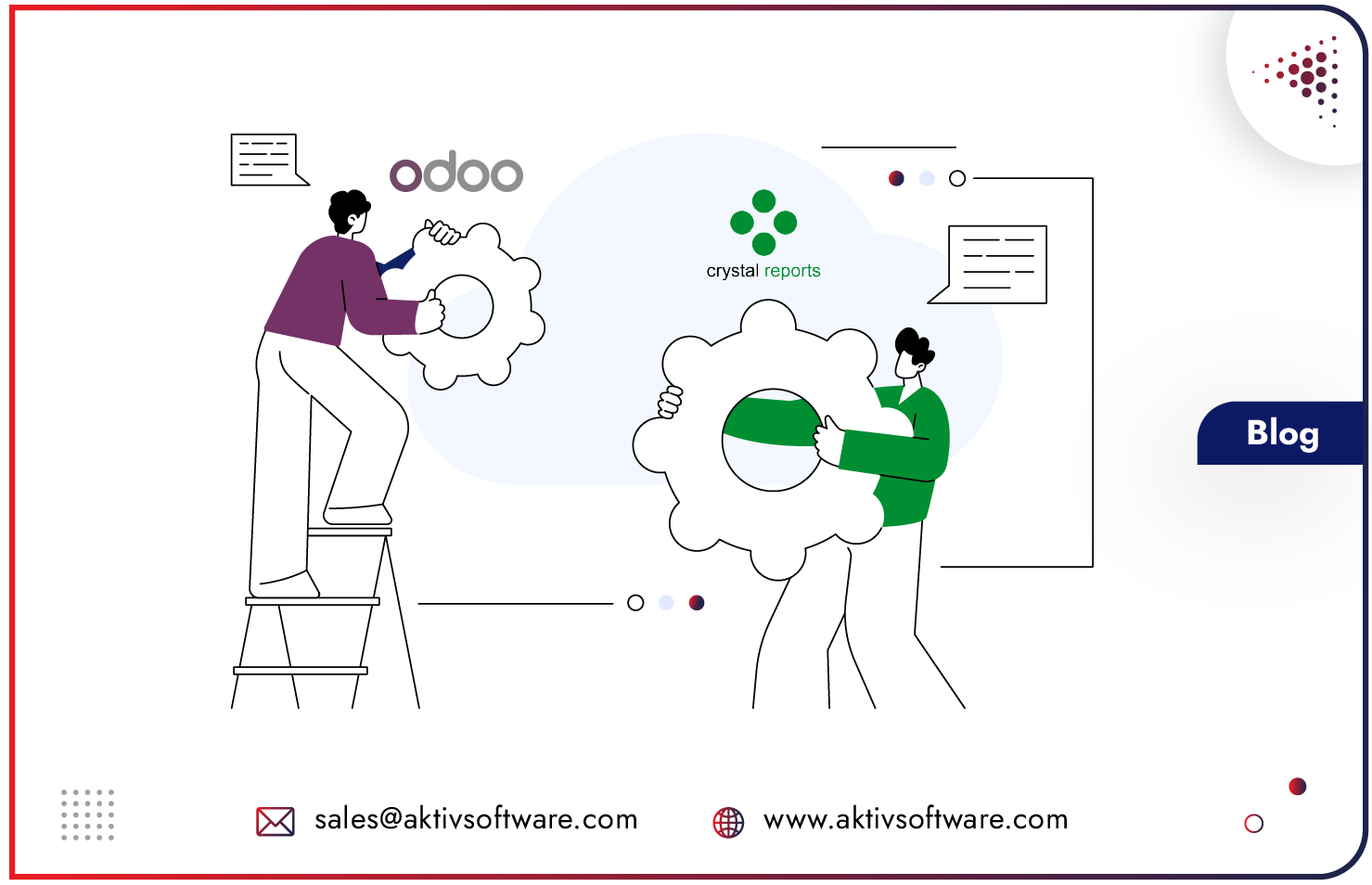
You can view SAP Crystal Reports in Odoo by adding an action inside Odoo that authenticates to BusinessObjects, builds an OpenDocument request for the specific invoice, and opens the rendered report directly from the record.
The integration also picks the correct report for each document type automatically and manages BusinessObjects sessions so opening invoices does not exhaust the named-user license pool.
Key takeaways
- Many businesses render invoices as Crystal Reports in SAP Business Objects, which means leaving Odoo to find and open each document.
- A “View Invoice” action inside Odoo opens the correct rendered report from the record, using BusinessObjects OpenDocument.
- The right report is selected automatically by invoice type, with a company-level default behind it.
- The real risk with BusinessObjects is licensing: sessions that open and never close exhaust the named-user pool.
- A well-built integration schedules logoff on both success and failure, retries pool exhaustion gracefully, and can hold session use flat with a shared token.
If your invoices are produced by SAP BusinessObjects, the document your customer receives is a Crystal Report, not an Odoo PDF.
Reaching it used to mean leaving Odoo, opening BusinessObjects, choosing the right report by hand, and consuming a named-user session that was rarely handed back. Multiply that across a busy accounts team and two problems appear at once: staff waste time hunting for documents, and the BusinessObjects license pool quietly runs dry until reports stop opening for everyone.
This article explains how to integrate Crystal Reports with Odoo so the correct invoice opens from the record in one click, and so BusinessObjects sessions are managed instead of leaked.
It is based on a real integration built for an print-equipment dealer running Odoo alongside e-automate and SAP BusinessObjects.
Struggling to integrate legacy reports and ERP workflows?
Here’s how we did it for J2B BLUEPRINT Supply & Co.
How do you view a SAP BusinessObjects Crystal Report from inside Odoo?
You add a “View Invoice” action to the Odoo record that authenticates against BusinessObjects, builds an OpenDocument request for that specific invoice, and opens the rendered Crystal Report directly.
OpenDocument is SAP BusinessObjects’ URL-based way to open a particular report with parameters, so the integration constructs the request for the exact invoice the user is looking at and returns the rendered document. The user never leaves the Odoo record to find their file.
The connection details, the BusinessObjects base URL, credentials and a default report identifier, are configured on the company and editable from settings, so the integration is administered in Odoo rather than hard-coded.
How does Odoo pick the right Crystal Report for each invoice?
Report selection is driven by the invoice’s type in the e-automate module, so each kind of invoice resolves to its own Crystal Report. Accounts receivable invoices, sales order invoices and service contract invoices each map to their own report, with a company default behind them for anything unmatched.
The user does not choose a report from a list. They open a record, and the integration already knows which BusinessObjects report renders that document.
This removes the most common source of the wrong document being sent: a person picking the wrong report by hand.
Why do SAP BusinessObjects named-user sessions get exhausted?
They get exhausted because report sessions are opened to render a document and then never closed, so each view consumes a slot in the license pool that is never returned. SAP BusinessObjects and Crystal Server are licensed by named users or concurrent sessions, and the pool is finite.
When an integration logs on to render a report but does not log off, sessions accumulate until the pool is full, at which point reports stop opening and users see server errors that look unrelated to licensing. It is one of the most common and most confusing BusinessObjects problems in production.
How do you stop BusinessObjects sessions from leaking?
You schedule a logoff for every session shortly after the report has had time to render, and you do it on both the success and the failure path. In this integration, every logon token issued is scheduled for logoff once the report has rendered, which returns the session to the pool instead of leaking it.
Crucially, the logoff is scheduled whether the render succeeds or fails, so a rendering error can never strand a session and slowly starve the pool. Session hygiene is built into the flow rather than left to chance.
What happens when the BusinessObjects session pool is exhausted?
The integration detects pool exhaustion specifically, waits a moment, and retries, rather than passing a raw error to the user. When BusinessObjects reports that no session is available, the integration recognizes that exact condition, retries with a short backoff, and if it still cannot get a session, surfaces a plain “please retry in a moment” message instead of a raw server error code.
The user gets a clear, recoverable prompt, not a cryptic failure, and transient contention resolves itself.
How do you remove the login step from every click?
You maintain a shared session token, refreshed on its own schedule, so opening an invoice does not trigger a fresh logon each time.
In shared token mode, the authentication round trip is removed from the user’s click entirely, which makes reports open faster and holds BusinessObjects session consumption flat no matter how many invoices are opened. Instead of session use climbing with volume, it stays constant, which is what keeps a busy accounts team from ever hitting the license ceiling.
Benefits of Connecting SAP Crystal Reports in Odoo
- Invoices open from the Odoo record in one click, with no hunting through BusinessObjects.
- The correct Crystal Report renders automatically for each invoice type.
- BusinessObjects sessions are returned to the pool, so reports keep opening for everyone.
- Session pool contention is handled gracefully, with a clear retry instead of a raw error.
- Session consumption stays flat as invoice volume grows, protecting the license ceiling.
- The integration is configured and administered entirely inside Odoo.
Frequently Asked Questions
Can Odoo open SAP BusinessObjects Crystal Reports directly?
Yes. With a custom integration, an action inside Odoo authenticates to BusinessObjects, builds an OpenDocument request for the specific record, and opens the rendered Crystal Report, so users never leave Odoo.
Does this replace Crystal Reports or BusinessObjects?
No. BusinessObjects remains the reporting platform and the system that renders the invoice. The integration connects Odoo to it, so the right report opens from the right record.
How do you prevent SAP BusinessObjects license or session errors?
By scheduling logoff for every session after the report renders, on both success and failure, detecting pool exhaustion and retrying with a backoff, and optionally using a shared token so opening invoices does not consume additional sessions.
Do you render invoices in SAP BusinessObjects and run Odoo?
Book a walkthrough and we will map how your Crystal Reports can open from the Odoo record, without leaving Odoo or exhausting your license pool.