For service businesses, efficiency is everything. Clients don’t see the hours of planning, coordination, and follow-ups behind each project; they only see the final results.
But what happens when the very tools meant to streamline your internal operations end up creating chaos?
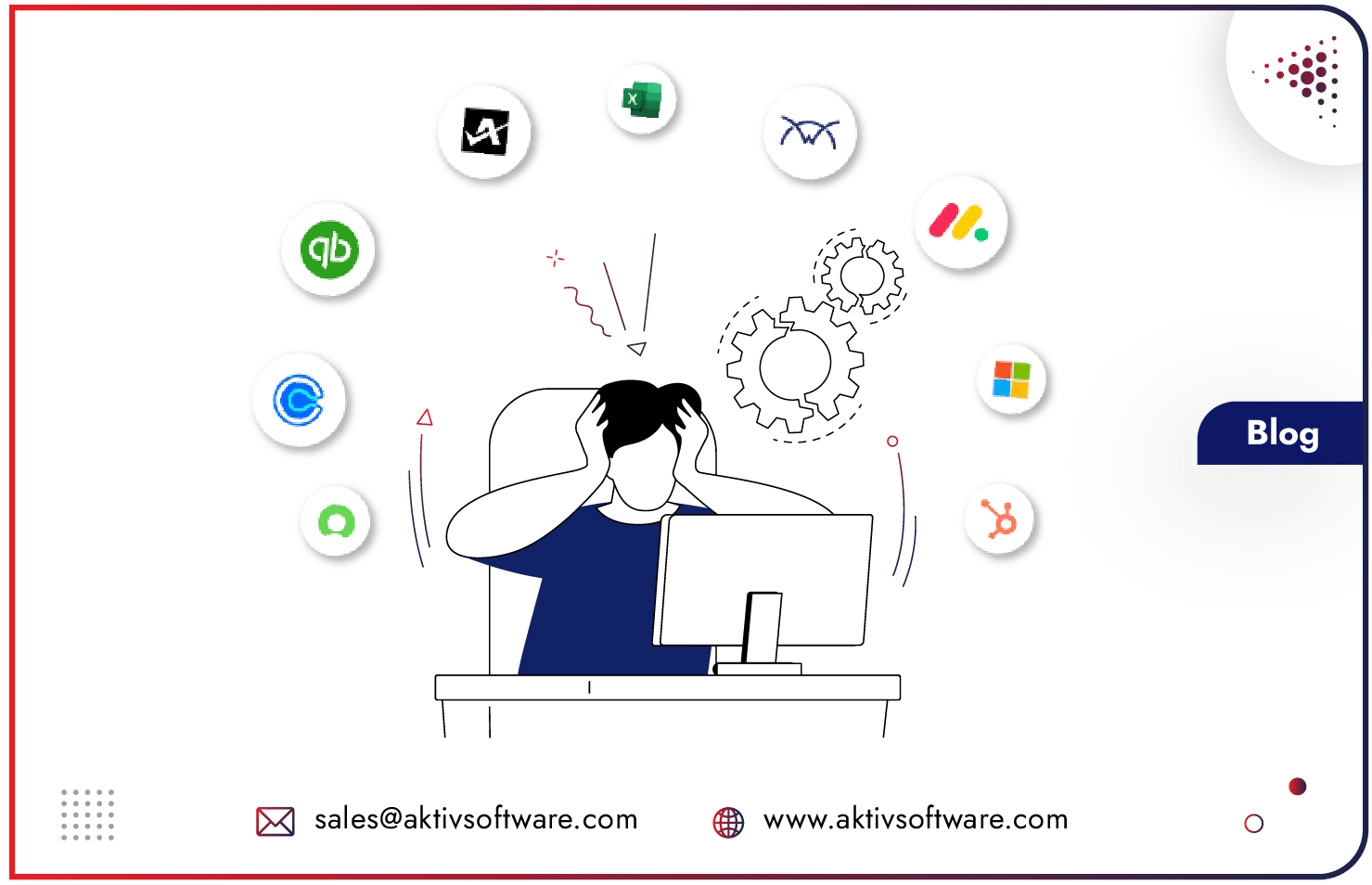
Do you also juggle with an array of tools: Jira for tickets, Asana or Monday.com as PPM platform, Slack or Teams for communication, Excel for tracking progress, and PowerPoint for executive reports?
You must stop here, pause, & read this:
When these Multi Software structures don’t talk to each other, teams don’t either.
This isn’t just an inconvenience; it’s a question of productivity, predictability, and performance.
In this blog we’re covering how Tool Fragmentation leads to missed deadlines, duplicated efforts, inconsistent reporting, and burnout, not merely software issues, but strategic business hazards.
Why Tool Fragmentation Is More Than an IT Issue?
Many service leaders think of tool fragmentation as a “software problem.” In reality, it’s an enterprise software overload problem.
- Studies show that project professionals lose nearly a quarter of their workweek just switching between tools or duplicating updates.
- Disconnected systems increase the risk of projects missing cost, scope, or schedule targets by up to 40%.
- Manual data entry in multi tools raises the chance of mistakes by over 30%, eroding trust in reports and forecasts.
- Constant switching and duplicated effort wear down morale, leading to tool fatigue among team members, causing slower response times and higher burnout rates.
The Ripple Effect of Disconnected & Multi Tool Ecosystems on Service Business
Financial Overheads: Paying Twice for the Same Job
A mid-sized IT services firm uses three different tools for time tracking, billing, and project management. Each has its own subscription model, role-based fees, and add-ons. By year’s end, they discover they’re paying 30% more in licensing than if they had invested in one unified system. That money could have gone into hiring billable consultants or improving client delivery.
Operational Inefficiencies: The Copy-Paste Nightmare
Picture a consulting team that logs client hours in Excel, enters milestones in Jira, and updates progress in PPM software for leaders. Every Friday, a skilled individual spends 4–5 hours just copying the same data across tools. Multiply that by 10, and you lose an entire workweek monthly, just to reconcile information.
Poor Governance: Blind Spots at the Top
An engineering services company tries to forecast delivery capacity but finds half of its data is stuck in different systems. Leadership gets reports that are two weeks old and riddled with gaps, leading to overpromised timelines and unhappy clients. The fragmented toolset isn’t just a nuisance; it directly fuels missed SLAs and client churn.
Productivity and Mental Fatigue: Too Many Tabs, Too Little Focus
An account manager juggling Slack, Trello, Asana, and email starts the day by checking six platforms. By noon, half the team is already overwhelmed by switching contexts. Frustration rises, adoption of tools drops, and people turn to rogue solutions, like Teams chats or personal spreadsheets. The result? Important client updates get lost in the noise.
Fragmented Reporting: The Status Report Circus
At a professional services firm, even with best-of-breed multi software capabilities, it takes days to prepare reports, and every department has its own version of truth. Stakeholders end up making decisions on inaccurate data, putting business & client satisfaction at risk.
How to integrate multiple business tools & break the Fragmentation Trap?
1. Assess & Audit Your Tool Landscape
- Which tools serve overlapping functions?
- Where are the friction points as teams hand off or synchronize?
- Is manual data replication routine?
2. Define Tooling Goals Aligned to Delivery Outcomes
- Prioritize tools that offer centralized visibility, low friction, and high accountability.
- Ensure they support SLAs, client communication, and billing workflows efficiently.
3. Select Integrated, Agile Tools like PSA or PPM platforms
- Favor platforms that provide seamless integrations, real-time reporting, and workflows, reducing toggling.
- For example, Odoo PSA brings together CRM, Sales, Project, Helpdesk, Timesheets, Gantt charts, dashboards, collaboration, Accounting, HR, all under one roof.
4. Use Automation & AI to Eliminate Manual Overheads
- Automate status reporting, change alerts, and workflow escalations to limit human labor and error.
- Bring in AI-powered forecasting, anomaly detection, and capacity planning.
5. Pilot, Measure, and Scale
- Start a pilot within a service team or process segment to validate a reduction in toggling, errors, and client delays.
- Track metrics like time saved, error reduction, and client satisfaction.
- Scale once benefits are proven.
6. Plan Transitions Carefully
Avoid sudden, disruptive migrations. Instead, evaluate your current tool stack, build a strong business case, and roll out the new platform methodically.
In the service industry, where client expectations are rising faster than ever, fragmented or disconnected tools are silent killers of growth. The businesses that win tomorrow are those that invest today in unified execution, where teams, data, and clients all move in sync.
Schedule Odoo PSA solution demo for better clarity.