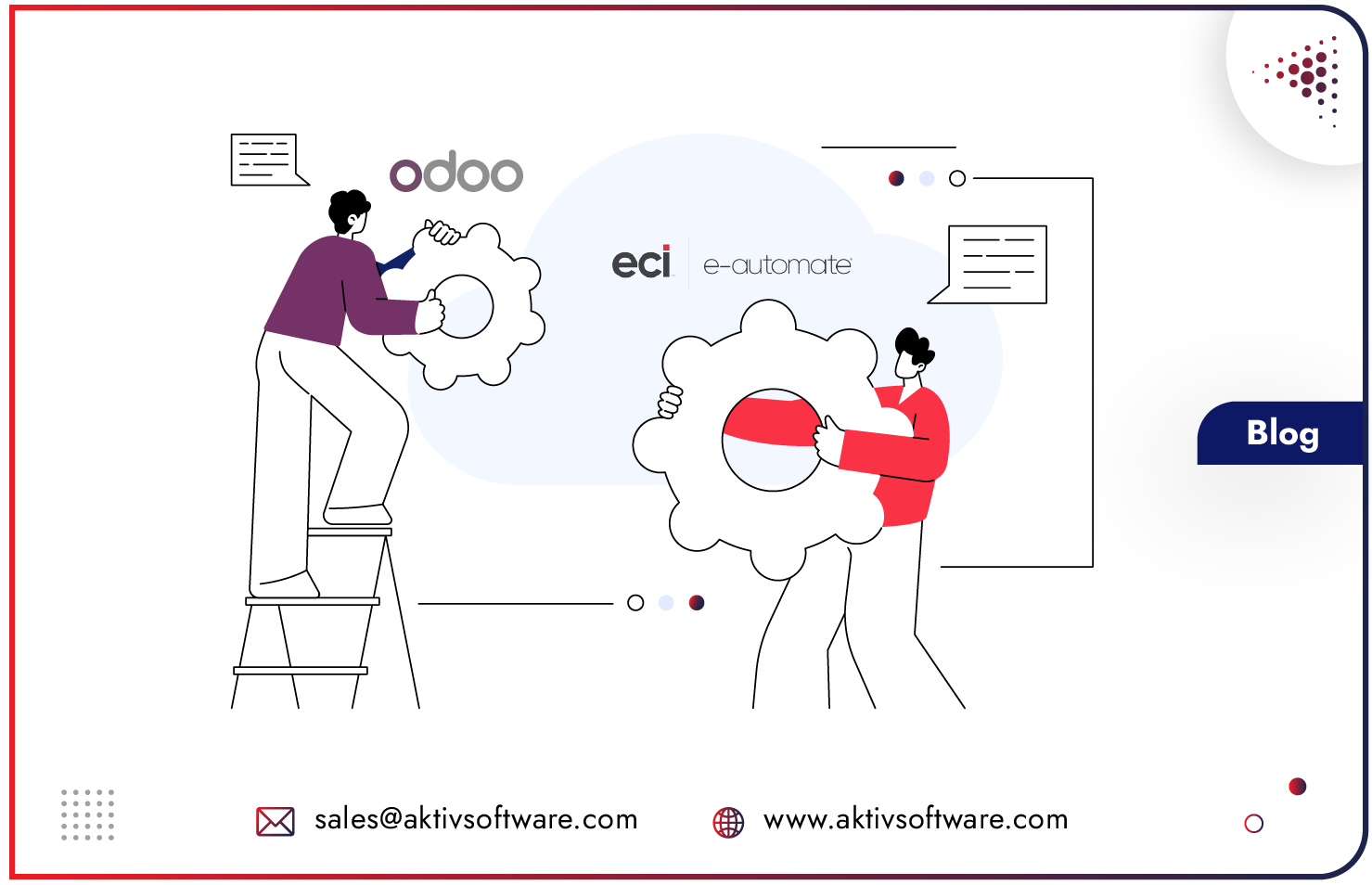
Odoo e-automate integration adds a modern customer, production, and payment layer on top of e-automate, while e-automate stays the financial system of record, with data moving both ways in real time.
You keep the ERP your business is built on, and you close the gaps around it: online job intake, a shared production queue, a self-maintaining storefront, and payments handled inside one system.
If you run a print, reprographics, or office equipment business, e-automate is almost certainly your ERP. It is the standard: around 97% of elite office equipment dealers run on ECI’s e-automate.
The problem is rarely the ERP itself. It is that everything customers and production staff touch every day sits outside it, in email threads, on paper, in spreadsheets, and in a card reader that talks to nothing.
What Is an Odoo E-automate Integration?
It is a live, two-way connection between Odoo and e-automate’s Microsoft SQL Server database. Odoo reads the master data e-automate owns and writes real transactions back through e-automate’s own stored procedures, rather than trading exports and re-keying them.
The word that matters is two-way.
Many “integrations” are a nightly export dropped into another system, which immediately starts to drift. This one reads customers, items, pricing, and inventory from e-automate, and writes sales orders, purchase orders, receipts, and shipments back into it as real records.
A customer or contact created in Odoo is pushed into e-automate too, so the account number is issued once and means the same thing on both sides.
Why Keep e-automate Instead of Replacing It with Odoo?
Because e-automate holds the contracts, items, pricing, orders, receipts, and accounts receivable that the whole business depends on, and that is not worth putting at risk.
It is the financial system of record, it works, and replacing it in one move is high risk for little gain.
The smarter path is coexistence. Let e-automate keep doing what it does well, and put Odoo in front of it to do the things it was never built for: a real customer front door, a production queue the floor can run from, a storefront that maintains itself, and payment and invoicing inside a single system.
The one rule that makes this safe is that every capability reconciles back to e-automate, because a second version of the truth is worse than the original problem.
Proven in production:
Aktiv Software built this exact platform for J2 Blueprint Supply Co., a US reprographics and HP reseller running on ECI e-automate and Odoo. Their system has a customer and production layer in front of e-automate without disturbing the ledger behind it.
“We replaced our legacy software (E-automate) with Odoo, using integrations to begin our full transition.”
– Dan Russo, Technical Services Manager, J2 Blueprint Supply Co.
How Do Customers Submit Print Jobs Without Staff Re-Keying Them Manually?
Through a customer-facing production intake on the website, where the customer submits the job, its files, and its full specification themselves, instead of a staff member transcribing it from an email or a conversation.
Because print specifications differ by department, the intake shows department-driven option pages, so a plan set, a banner, business cards, and labels each present only the options that job actually uses.
That intake feeds a single production queue, which is the operational heart of the platform:
- One record per job, from intake through production to pickup, shipment, and invoice.
- Multiple specifications on one job, so a single submission can carry several distinct print jobs rather than being split up or described in free text.
- Status that is computed, not typed. New, hold, waiting for approval, waiting for pickup, past due, finished, and so on are derived from the job’s due date and its flags, so the queue cannot drift out of date.
- A claim model for the floor, so staff claim jobs and everyone can see who has what.
- A proof cycle where approval is captured on the job and written back to e-automate as an order remark, so the counter and the floor read the same history.
- Counter-friendly intake, including a secure single-use upload link texted to the customer’s phone so staff never have to cancel and rebuild an order.
How Is Distributor Pricing and Drop-Ship Handled in Odoo & E-automate?
By letting the ERP’s negotiated pricing win first, then filling only the gaps from the distributor feed, and by automating drop-ship end to end so nothing is keyed twice.
A daily distributor feed applied without judgement would overwrite the prices the business negotiated, so an e-automate priority pass runs first and marks those prices as authoritative before the distributor data is touched.
On the fulfilment side, a confirmed drop-ship line automatically creates the purchase order in e-automate and a mirror in Odoo, and once tracking is known, a single action receives the goods, creates the shipment record, and emails the customer.
How Do Customers Get Their Invoice Without Leaving the System?
With a one-click view-invoice action inside Odoo that authenticates against the reporting server, renders the correct invoice document, and opens it, so staff never leave the record to hunt for it.
Where invoices are produced by a separate reporting platform like SAP Crystal Reports on BusinessObjects, the Odoo E-automate Integration also picks the right report automatically based on the invoice type.
It also fixes a quieter problem: named-user report sessions that get opened and never released.
The integration schedules each session to close after the report renders, on both the success and failure paths, so the session pool cannot be exhausted and left returning errors nobody understands.
Who might need to integrate E-automate with Odoo?
It is for managed print services providers, reprographics shops, and office equipment dealers who run on e-automate and want to modernise around it without a risky full replacement. If e-automate is your system of record and the gaps are in customer intake, production, storefront, payments, or invoice delivery, this is the pattern that fits.
Ready to put Odoo in front of your e-automate ERP?
FAQs
Is it safe to connect another system directly to our e-automate SQL Server database?
Yes, when it is done carefully. Writes go back through e-automate’s own stored procedures rather than raw table edits, imports run with per-row error handling so one bad record fails a single row and not the whole run, and connection settings are held per environment so testing never touches live data. The integration is built to read and write the way e-automate expects, which is what keeps the ledger clean.
Will this integration create a second version of the truth we have to reconcile?
No, and avoiding that is the whole design principle. e-automate stays the system of record, and every order, payment, and invoice in Odoo reconciles back to it, so there is one set of numbers, not two. When e-automate reports an invoice settled, Odoo settles its copy automatically, so the balance a customer sees and the accounting behind it always agree.
What can Odoo add that e-automate does not do well?
A customer-facing job intake, a shared production queue, a self-maintaining e-commerce storefront, tokenised payments with company cards on file, and one-click invoice delivery, all reconciled back to e-automate.
What happens to our existing reports and invoice documents in E-automate?
They keep working. If your invoices are produced by a separate reporting platform such as SAP Crystal Reports on BusinessObjects, the integration reaches them from inside Odoo and picks the correct report automatically, so customers still receive the exact document they always have, without staff leaving the system to find it.